Write BASIC
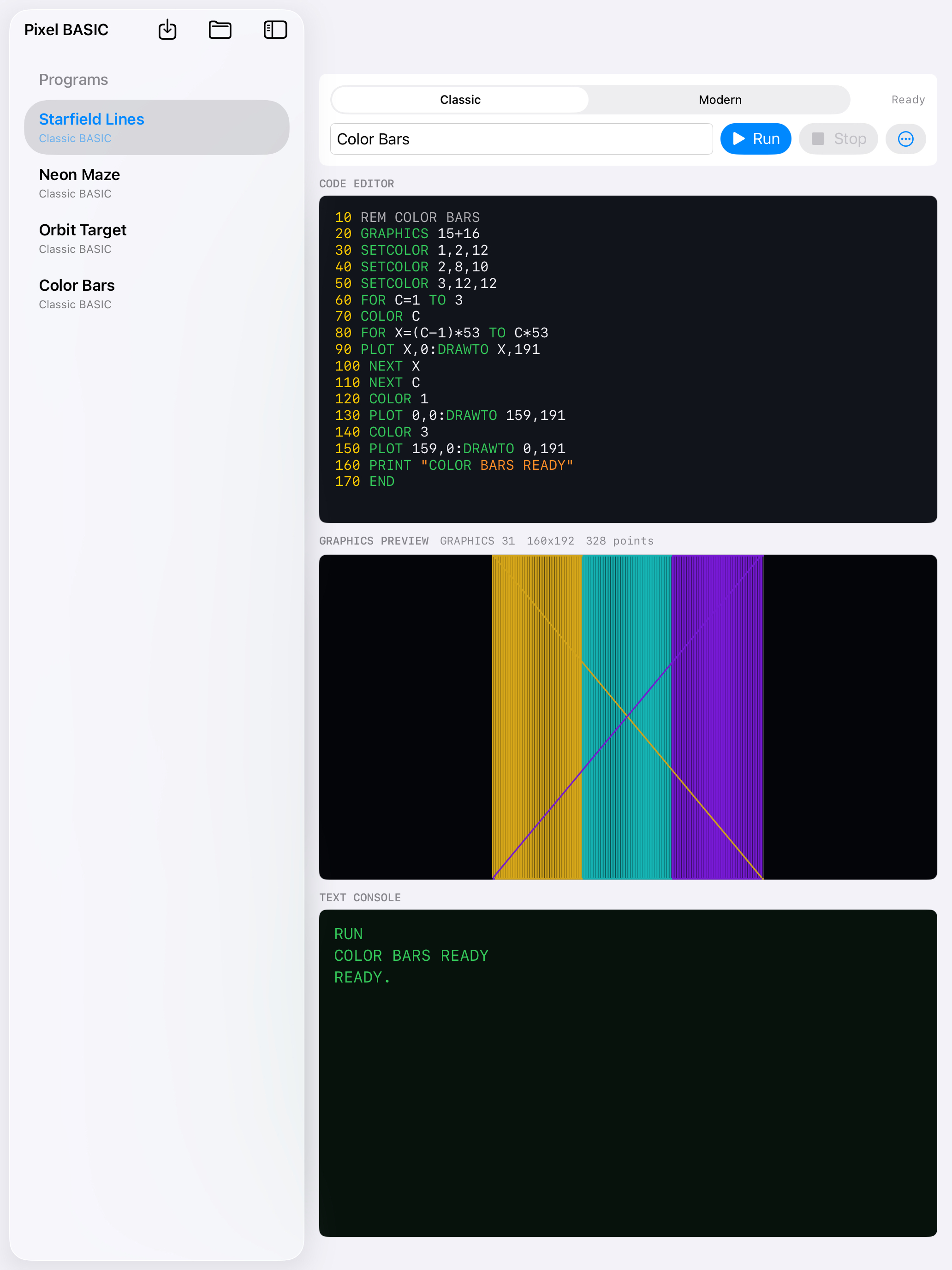
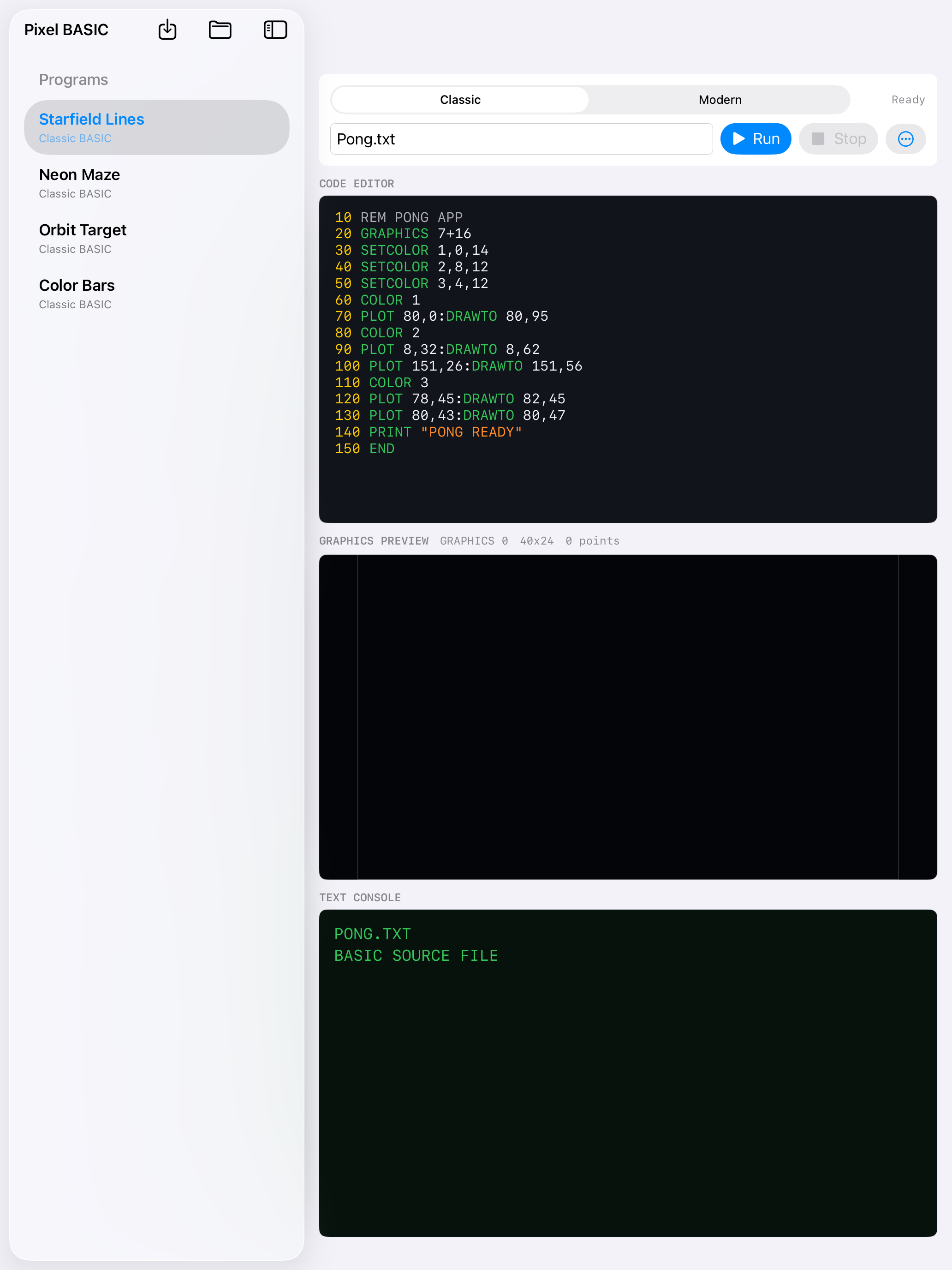
Use a focused code editor with syntax highlighting and a clean console-style output area.
 Pixel BASIC
Retro coding for iPhone and iPad
Pixel BASIC lets you type BASIC code, run it instantly, and watch your ideas turn into text, colors, and simple graphics.
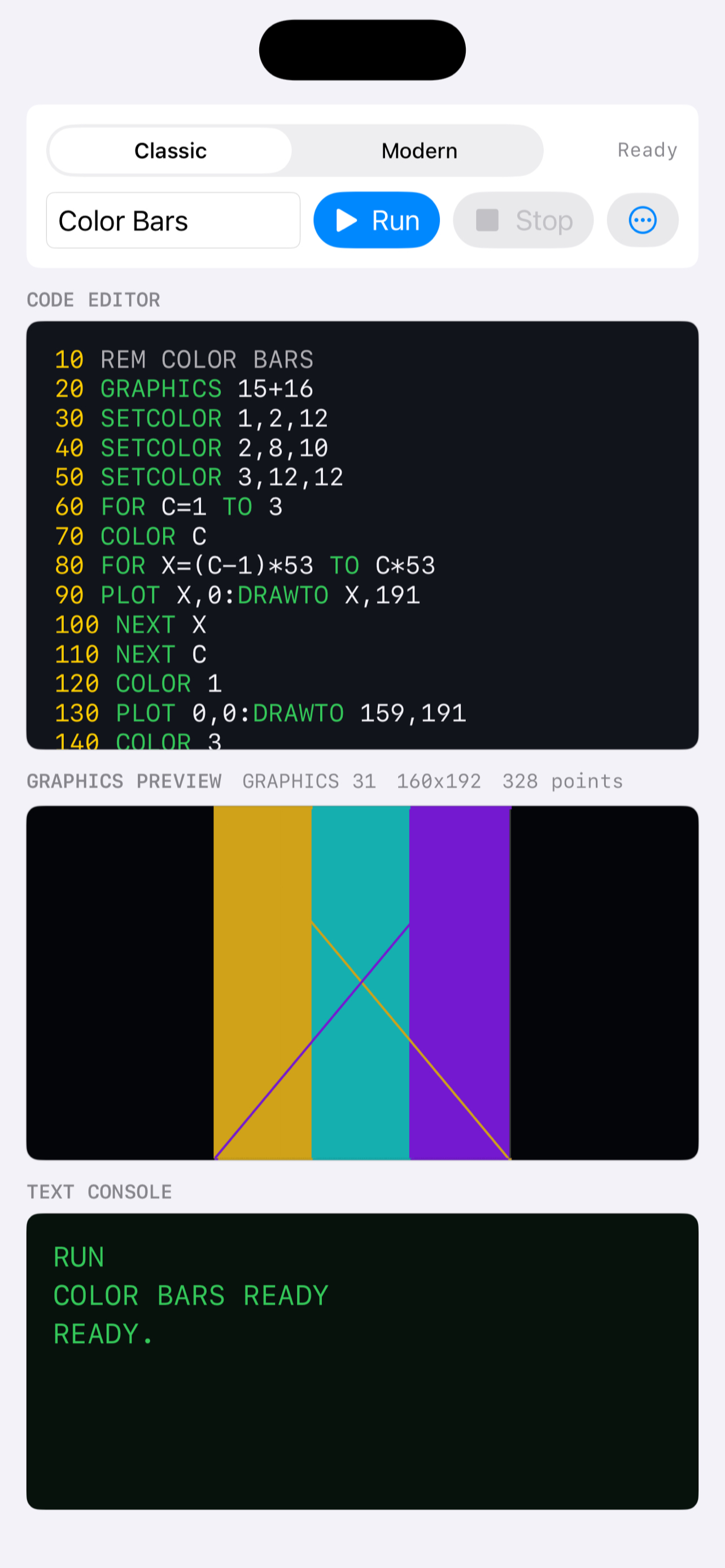
Line-numbered BASIC for a familiar retro feel.
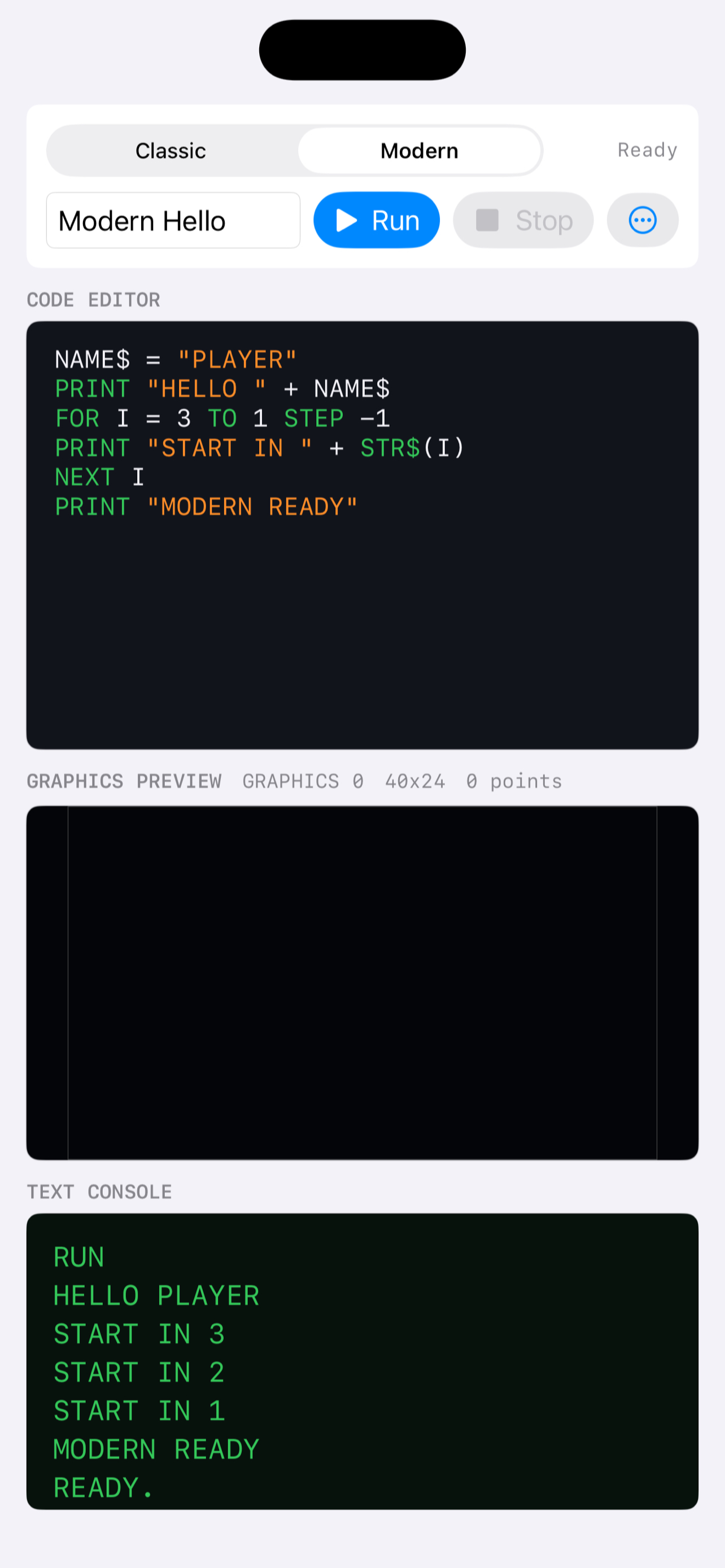
A friendlier mode for beginners learning the same ideas.
Draw with commands like GRAPHICS, COLOR, PLOT, and DRAWTO.
Built for experimenting
Use a focused code editor with syntax highlighting and a clean console-style output area.
Tap Run to execute your program, test loops, print text, and see what each line does.
Bring in BASIC text files, edit them on device, and export your source whenever you want.
Use Atari-inspired drawing commands to create color bars, simple mazes, stars, and game ideas.
Screenshots
For learners, makers, and retro fans